


SMS and Voice have become the most vulnerable authentication method available today and provide the weakest protection against phishing and other attacks.
Because of this, MS is starting the transition of all users that currently use SMS or Voice authentication to using Passkeys or an Authentication app. If you use sms or voice, over the next few months, on one of your next authentications, you could be prompted to setup a Passkey to replace your sms authentication method:
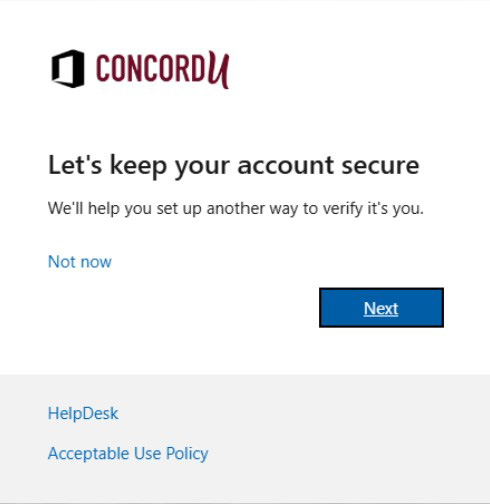
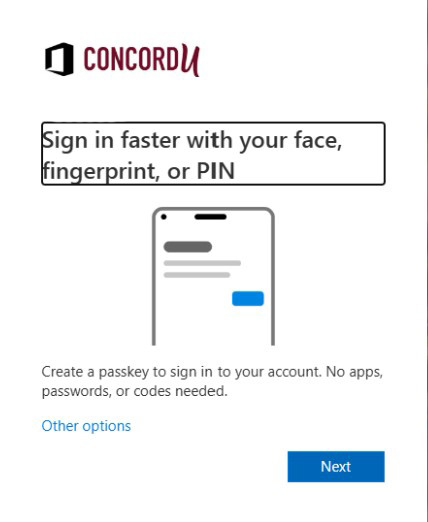
You can also setup your authentication method using an authenticator app:
https://helpdesk.concord.edu/kb/article/233-how-to-set-up-the-microsoft-authenticator-app-for-mfa/
Either way, you have until February 1st to change your authenticaton type from sms or voice over to Passkeys or authenticator app.
On February 1st, it becomes mandatory and you cannot login any service until you do.
Note: if you are already using an authenticator app for your mfa, NO CHANGE IS REQUIRED!
This is only for users using sms or voice.
If you have any question about this change or need assistance making the change, just contact the helpdesk at [email protected] or 304-384-5291.

